Pivots
Definition
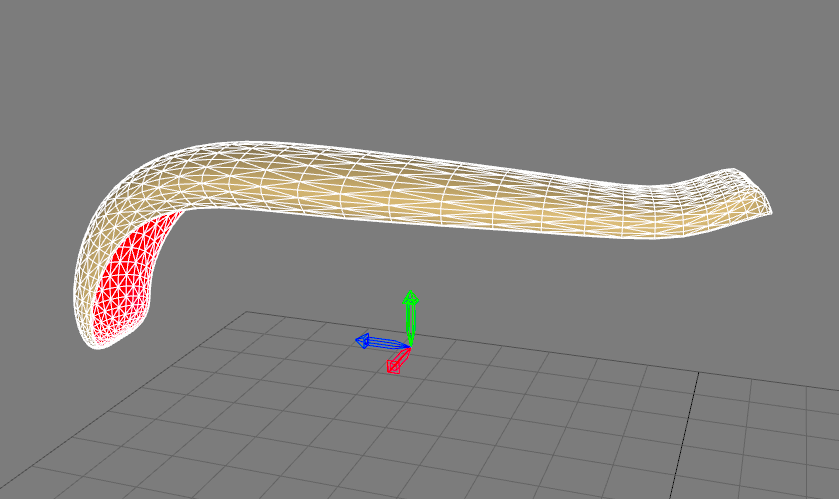
Each surface has a local tab known as a Pivot. A pivot is a surface's attachment point. It is generally positioned at the origin of the surface's local axes and it indicates the orientation of the axes. Local axes are used when you wish to group surfaces and move the group together, or when you are preparing an animation.
If the  Pivot tab is active
Operations on Pivots
The operations in the Pivot tab in the
The operations for translating the pivot are the following:
| Translation option | Description |
|---|---|
| Center on Surface | Centers the pivot on the surface. |
| Center on Selection | Centers the pivot on a group of surfaces. |
| Center to Selection Leader | Centers the pivot on the surface designated as the leader of the selection. |
| Center in World | Places the pivot point at the origin, at the intersection of the world axes. |
| Reset | Returns the pivot to its original position. |
The orientation of the pivot can also be modified:
| Orientation option | Description |
|---|---|
| Align to World | Orients the pivot along the environment origin. |
| Reset | Returns the pivot to its original orientation. |
The transformation function Reset Position Relative to Pivot moves the surface to the center it at the location of the pivot.
The other transformations that can be performed on a pivot (translation, rotation, constraints on axes, etc...) are the same as those that may be performed on the surfaces.


