Creating Snapshots using the Ray tracing engine
Notice
Available in: Matter: Snapshot > Snapshot Image / Snapshot Videos / Snapshot Cubic VR Objects / Snapshot Cubic VR Panoramas |
The following types of snapshots may be created using the raytracing engine:
Image snapshots,
Video snapshots,
VR object captures,
Cubic VR panorama snapshots.

The Rendering Engine box of the Snapshot editors.
Below is an example of capturing the Speedster with both renderers: Ray tracing and Path tracing.
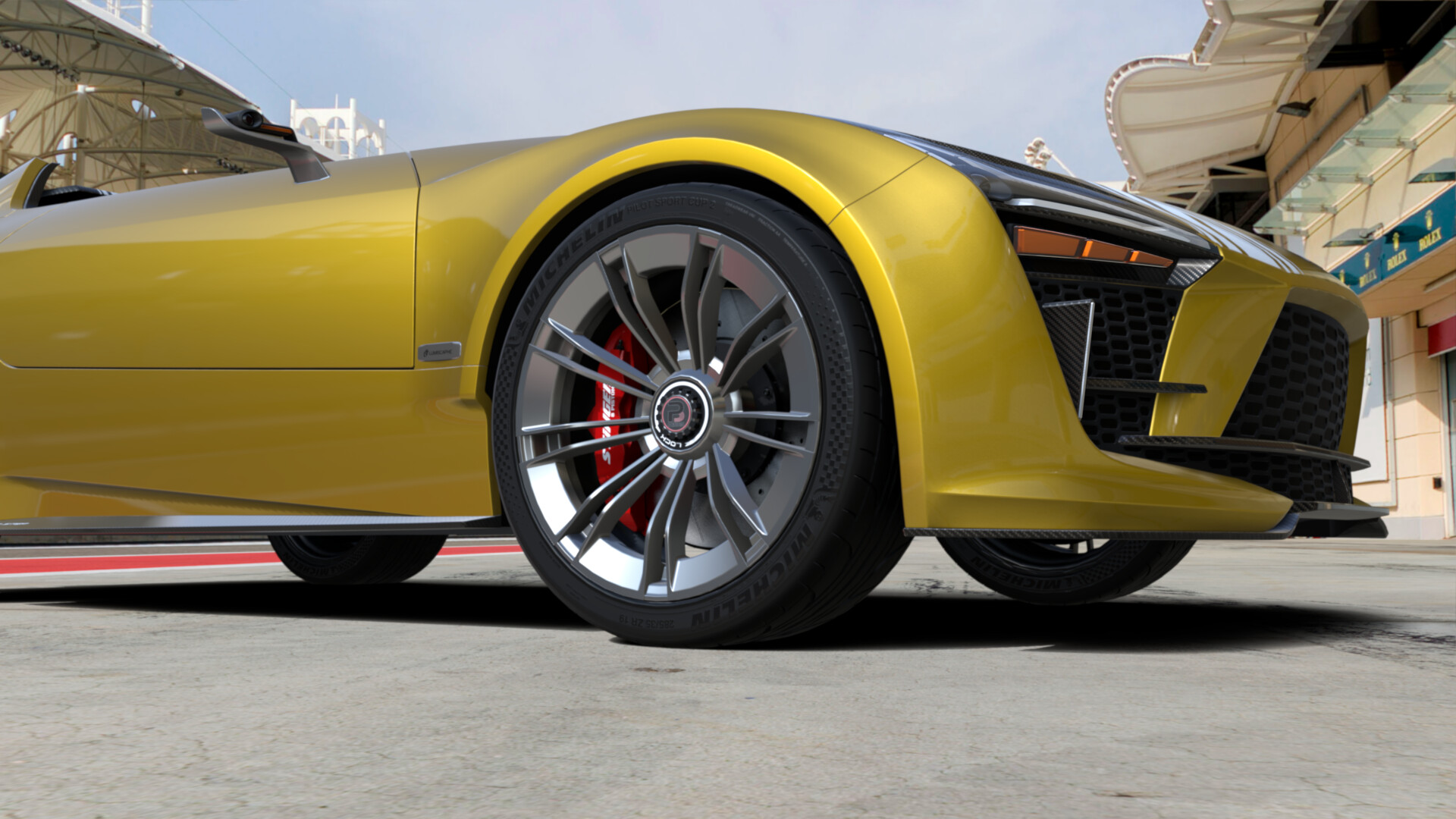 OpenGL snapshot | 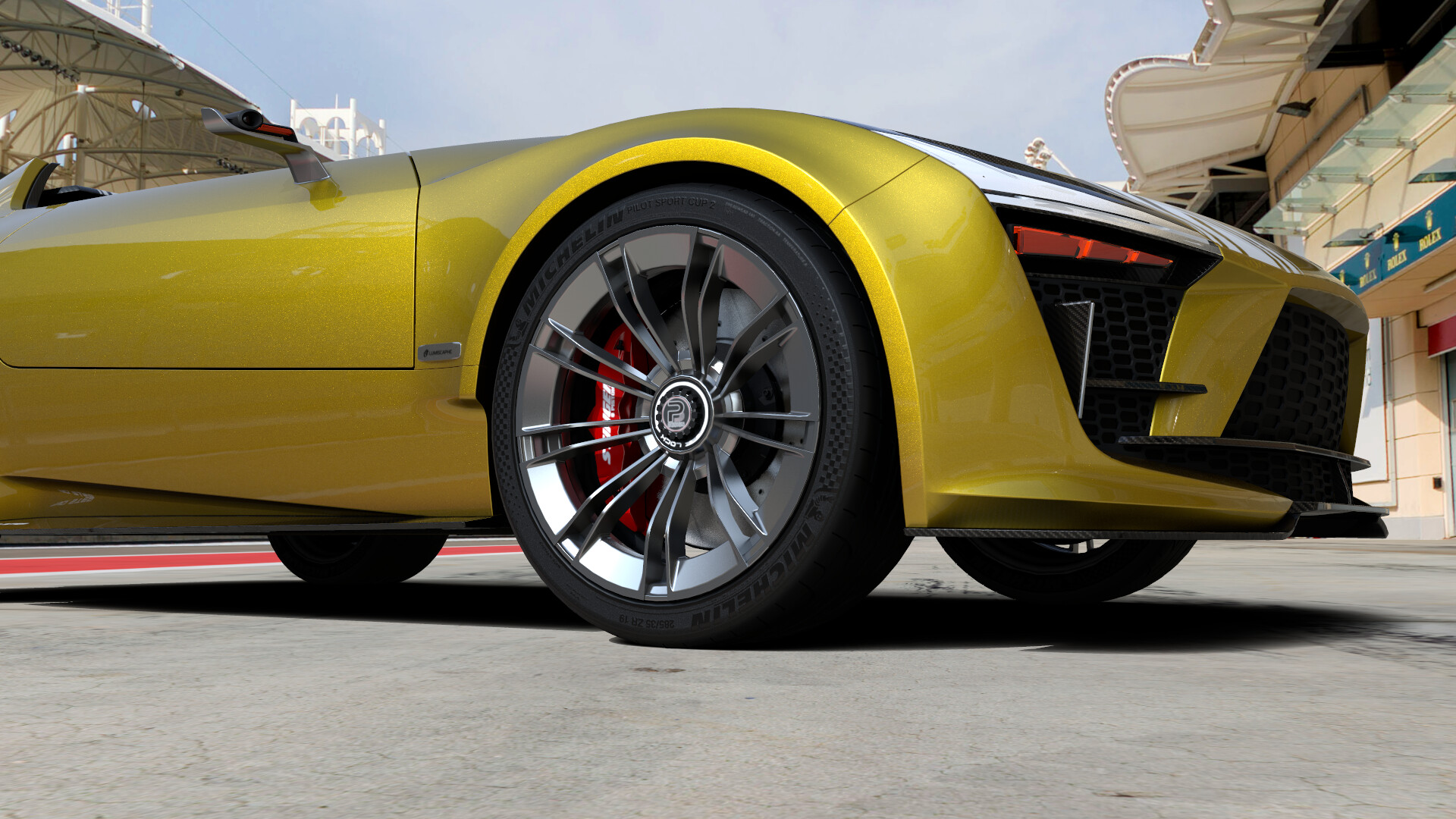 Ray tracing Snapshot | 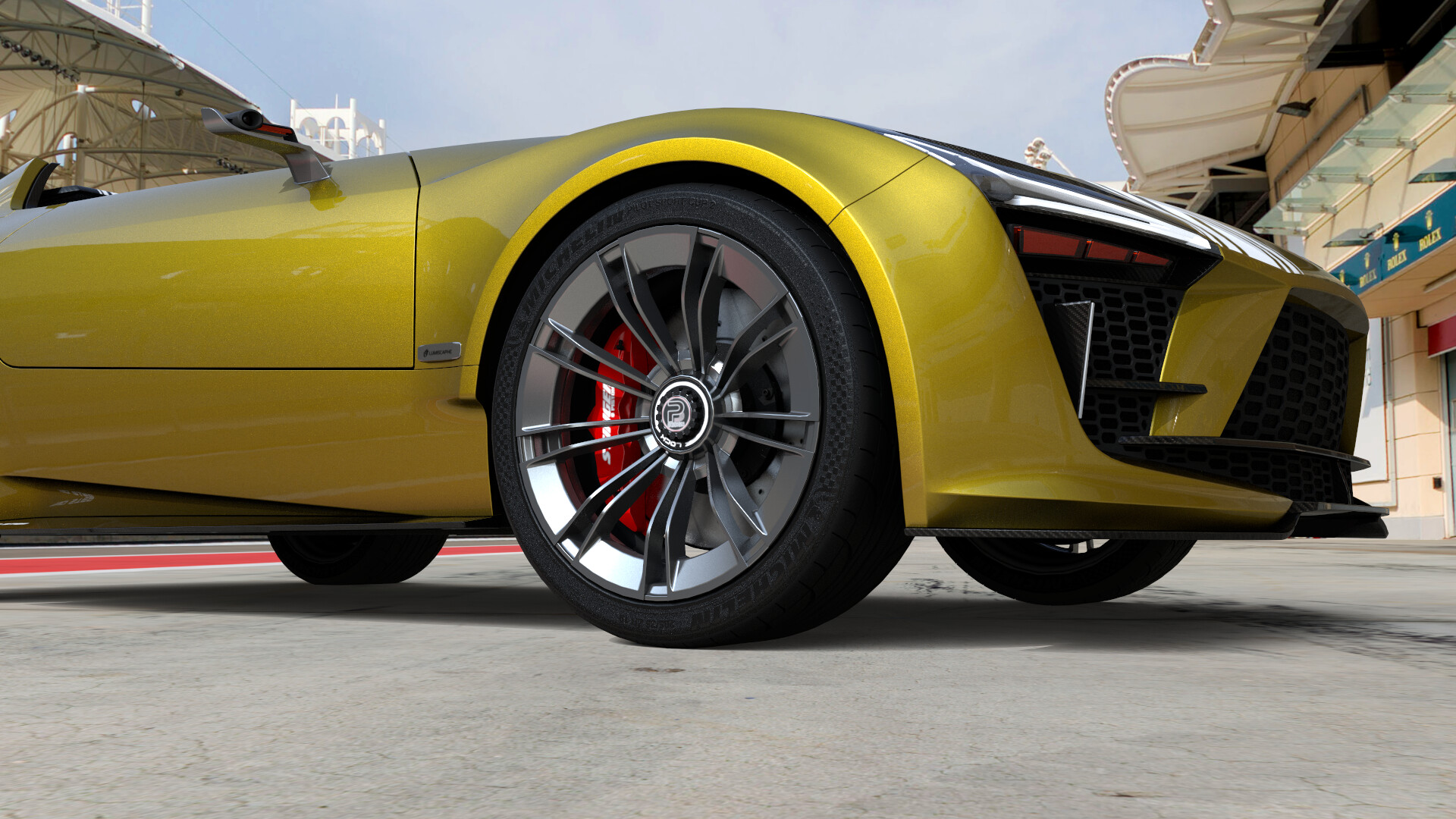 Path tracing with Denoiser, and Global Illumination |
When you create a snapshot, select the proper engine in the Rendering Engine box of the snapshot editor. Rendering is started by clicking the Render button at the bottom of the editor. Alternatively, it can be postponed for later with the Snapshot Batcher. In that case, use the Add to Snapshot Batcher button to save the view and its associated parameters to the Snapshot Batcher. You can also replace the current snapshot in the Snapshot Batcher with the new view and its associated parameters by clicking on the Replace Current Snapshot Batcher Item button.
For additional information, see: