Environment Material
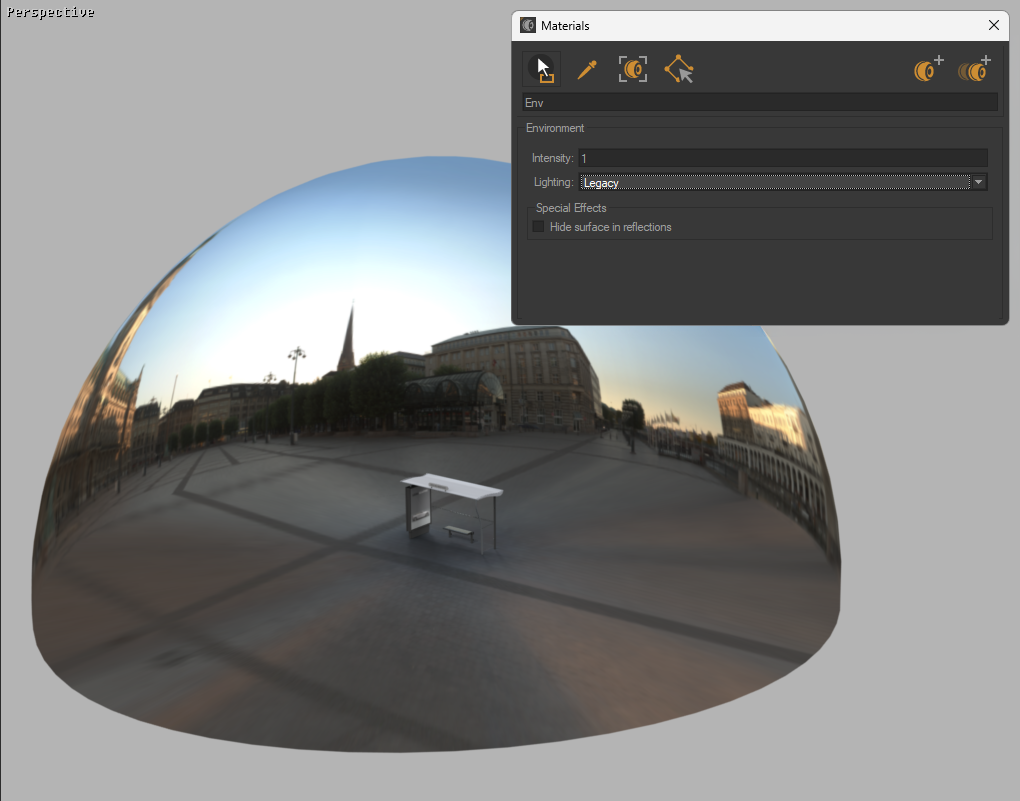
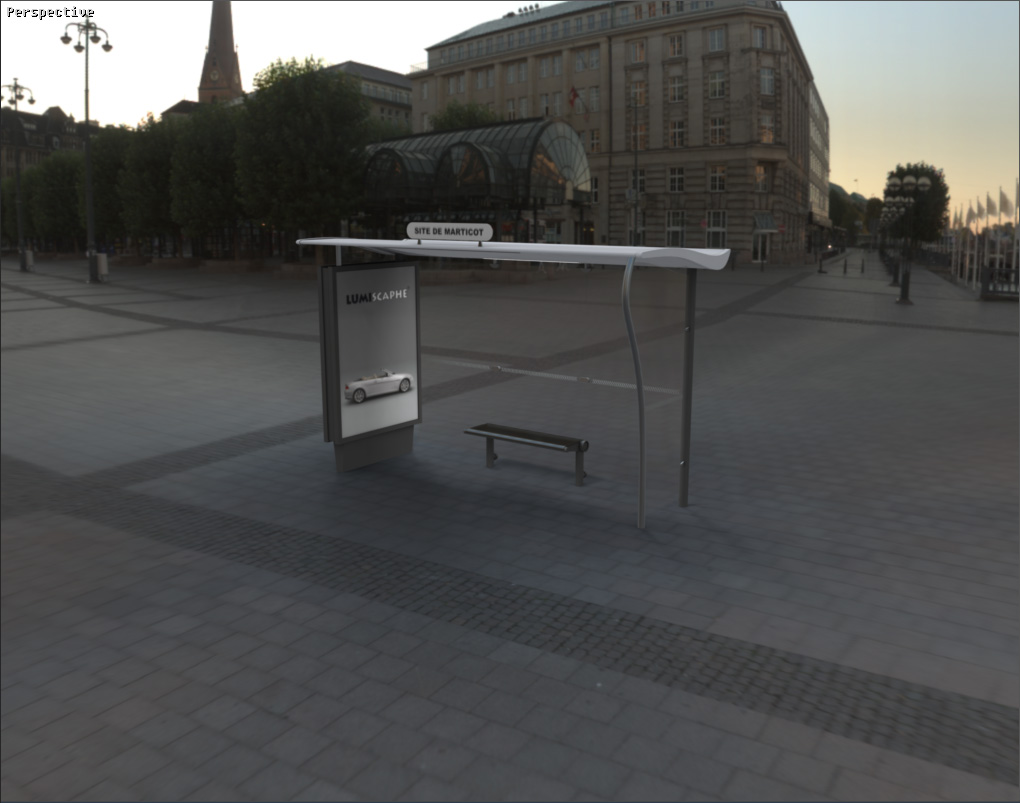
The environment material is generally applied to a hemisphere modeled about your object. The HDRI environment will be visible on this hemisphere. Your object will be integrated in this environment, the advantage of this method being that the environment changes interactively when you are zoom and pan around the scene.
After you have applied this material to your hemisphere, it is often useful to edit your environment and to change its altitude. You will thus obtain a better sense of scale and realism.
|
|
Environment material lighting behavior
Notice
Available in: Matter > Libraries |

Principle
This feature is designed to provide users with more control over how scenes are illuminated, thereby balancing compatibility, visual fidelity, and real-time performance.
A decision table has been created to help you quickly compare and select the lighting mode that best fits your needs.
When to use it?
When you hesitate between the following modes Legacy, Environment, Lightmaps, or Environment and lightmaps.
When you need to preserve an existing rendering or isolate/combine lighting sources.
Details of lighting modes:
Mode | Goal | Lighting | Behaviour | Example |
|---|---|---|---|---|
Legacy | Maintain the original rendering of old scenes. | Uses environment lighting when no lightmaps are present. Uses lightmaps if they exist. | Lighting identical to that of the version used to create the database. | Recover the lighting behavior of a scene created in a version before Patchwork 3D 2025. |
Environment | Control lighting via an HDRI environment only. | The Environment material lights the scene with its values | Lightmaps are ignored, even if present. | Illuminate the scene only through the HDRI environment. |
Lightmaps | Isolate baked lightmaps. | Only the lightmaps of the 3D model illuminate the scene | The light emission from the HDRI environment material is ignored. | Illuminate an interior scene in which detailed shadows are baked with lightmaps. Additional HDRI environment lighting would create inconsistencies. |
Environment and lightmaps | Combine the HDRI environment lighting with lightmaps. | HDRI environment + Lightmaps | Both the HDRI environment material and the lightmaps light up the scene. | Illuminate a scene where a vehicle's headlights enhance the setting, along with the ambient light from the HDRI environment. |
Apply a lighting mode to the scene
In the right sidebar of the Patchwork 3D interface, display the tab Material Library
 and double-click on an Environment material in the materials list.
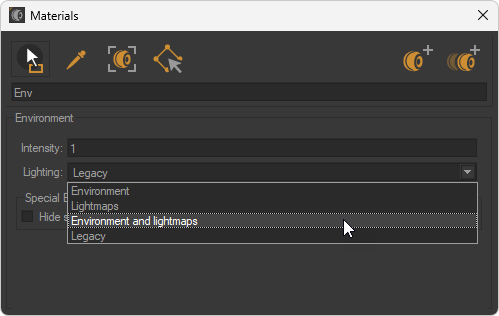
In the Materials window that appears, select the desired lighting mode between Legacy, Environment, Lightmaps, or Environment and lightmaps in the Lighting dropdown menu.
Check the lighting rendering.
Media
In the video below, visualize the different lighting behaviors depending on the mode selected.