Installation
This part explains the system requirements and provides instructions to install and activate the add-on in Blender.
Requirements
Operating system:
Windows 11 x86
macOS 15 Apple Silicon
Linux x86 with glibc 2.28 and greater library: Debian 10+, Ubuntu 18.10+, Fedora 29+, CentOS/RHEL 8+
Blender:
Blender 4.5 is recommended, but 4.3 and 4.4 are also supported.
Getting started
Note
Download the add-on at: https://patchwork3d.com/3d-digital-backbone-tools/#blender-driver
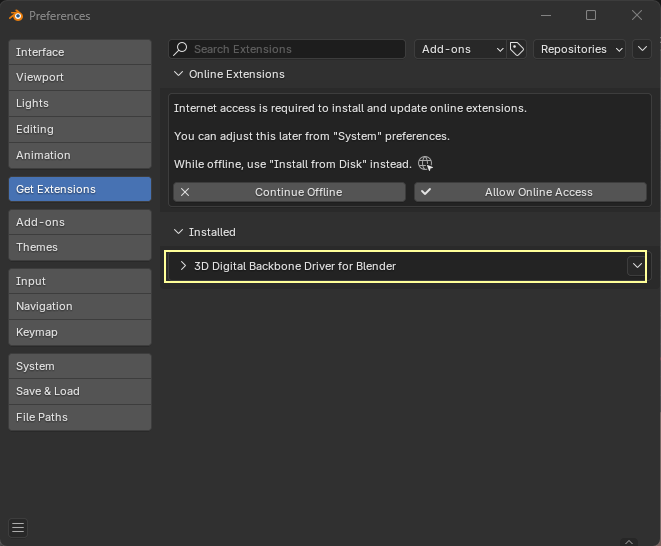
The 3D Digital Backbone Driver add-on is provided in a .zip file and can be installed from disk by following these instructions: https://docs.blender.org/manual/en/4.3/editors/preferences/extensions.html.
Once installed, the add-on should appear in the list of installed extensions and be activated as an add-on in the menu Edit > Preferences > Add-ons tab.